
Huawei, the largest smartphone manufacture and selling brand in China, not only in China but also it was a leading and under top 5 smartphones brand in the world. In recent 2 years the tech giant struggle and falling down their business because of China vs USA business war.
When US government banned Huawei product export to worldwide. It’s impact on their business and after several month they lose 42% of smartphone selling growth. In This hard time Huawei don’t stop they working to build their own operating system called HARMONY OS which called Hongman OS in China,to prevent using American based software.
In 20 may ,2019 they unveiled harmony OS to all the people in China. And with some of issues like security and data management they launched Harmony OS 2.0 on 10 September, 2020 . Where Huawei focus on security, features, and data management improvement.
Huawei CEO, Ren Zenghfei claimed that,harmony OS isn’t copy of android or iOS it has its own special. The senior reporter of tech Industry in BBC said that, the harmony OS will be a competitor of android and iOS. Now likely we got some information about how Huawei starting it’s me operating system now let’s move on some details questions and overview.

What is harmony OS?
HarmonyOS (HongMeng OS) is a new microkernel-based, distributed operating system designed to deliver a new user experience across all devices and scenarios.
“We’re entering a day and age where people expect a holistic intelligent experience across all devices and scenarios. To support this, we felt it was important to have an operating system with improved cross-platform capabilities. We needed an OS that supports all scenarios, that can be used across a broad range of devices and platforms, and that can meet consumer demand for low latency and strong security.” said Richard Yu, CEO of Huawei’s Consumer Business Group.
Seamless Experience:
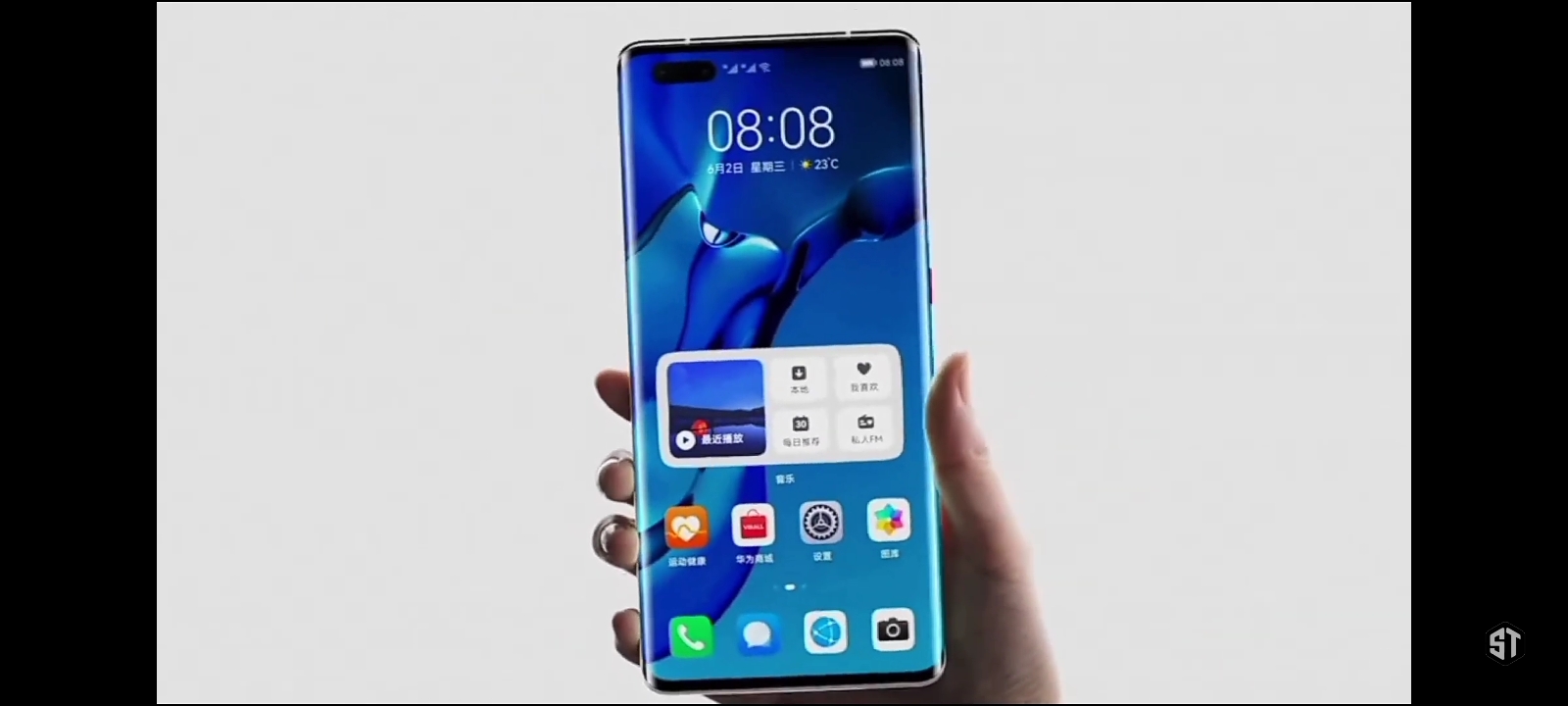
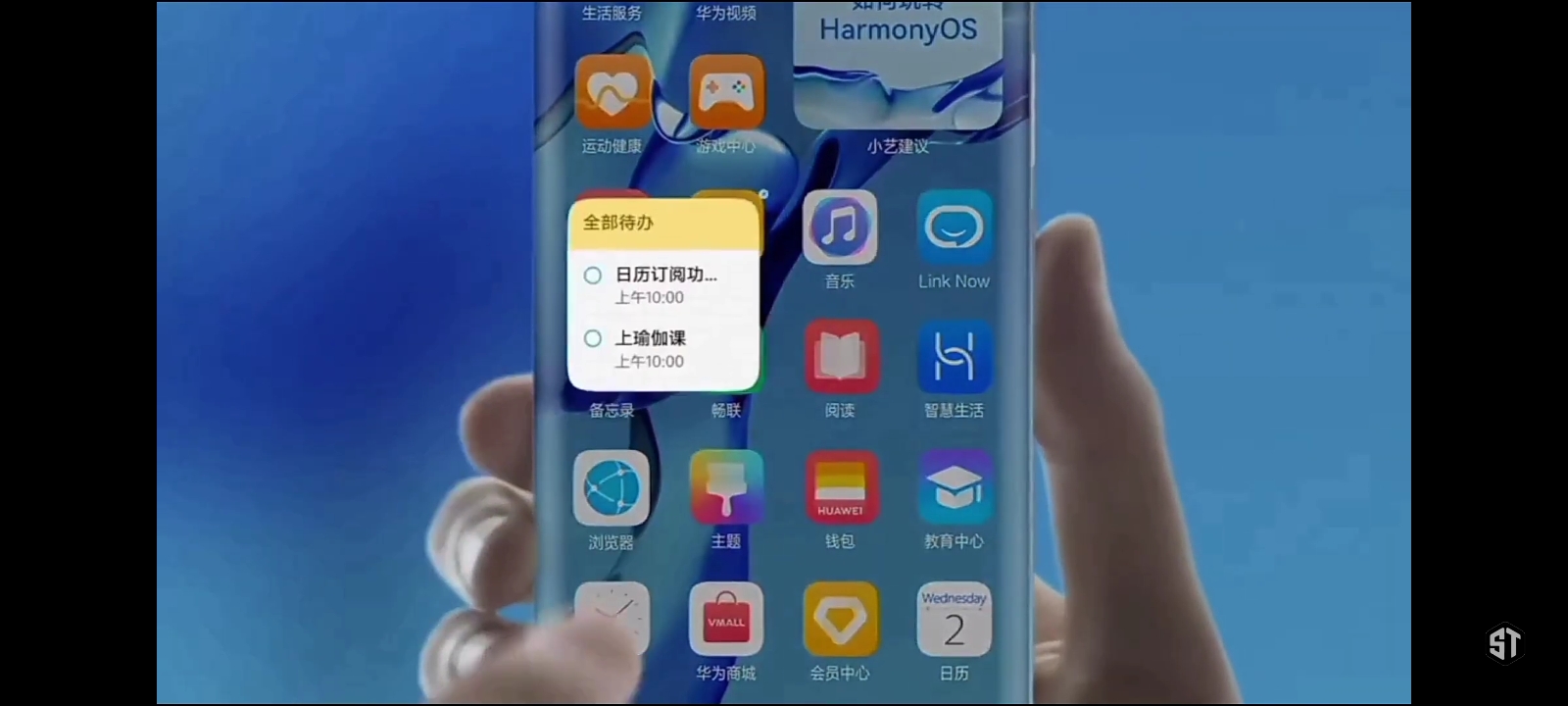
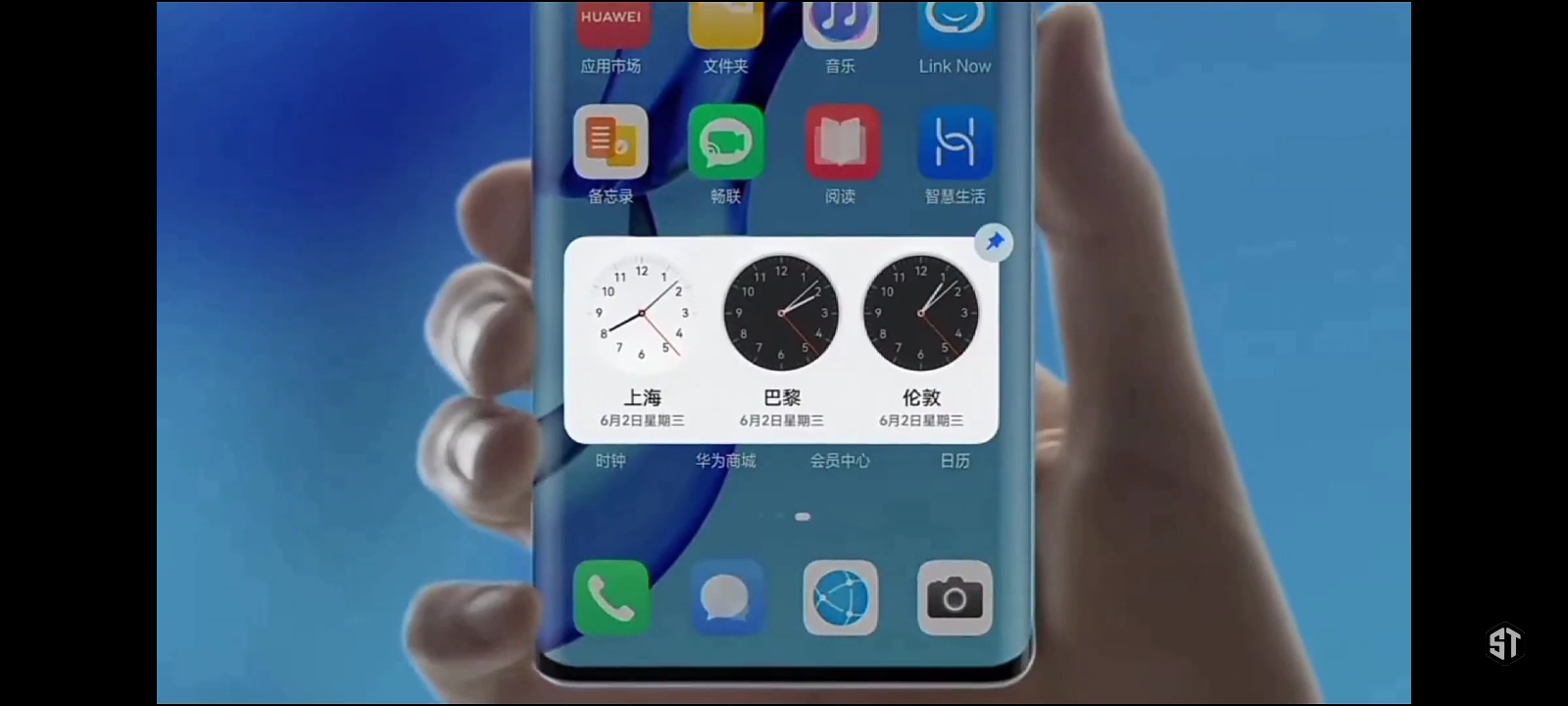
By adopting distributed architecture and distributed virtual bus technology, HarmonyOS offers a shared communications platform, distributed data management, distributed task scheduling, and virtual peripherals. With HarmonyOS, app developers won’t have to deal with the underlying technology for distributed apps, allowing them to focus on their own individual service logic. Developing distributed apps will be easier than ever before. Apps built on HarmonyOS can run on different devices while delivering a seamless, collaborative experience across all scenarios.
Smooth Performance:
HarmonyOS will address underperformance challenges with a Deterministic Latency Engine and high-performance Inter-Process Communication (IPC). The Deterministic Latency Engine sets task execution priorities and time limits for scheduling in advance. Resources will gravitate toward tasks with higher priorities, reducing the response latency of apps by 25.7%. The microkernel can make IPC performance up to five times more efficient than existing systems.
Open Source:
Huawei has planned to release HarmonyOS as an open-source platform, worldwide. Huawei will also establish an open-source foundation and an open-source community to support more in-depth collaboration with developers.
Ecosystem:
Huawei will open up and share its core capabilities in areas like connectivity, cameras, and AI. It will work closely with ecosystem partners to deliver apps and services that provide consumers top experience
New control panel:
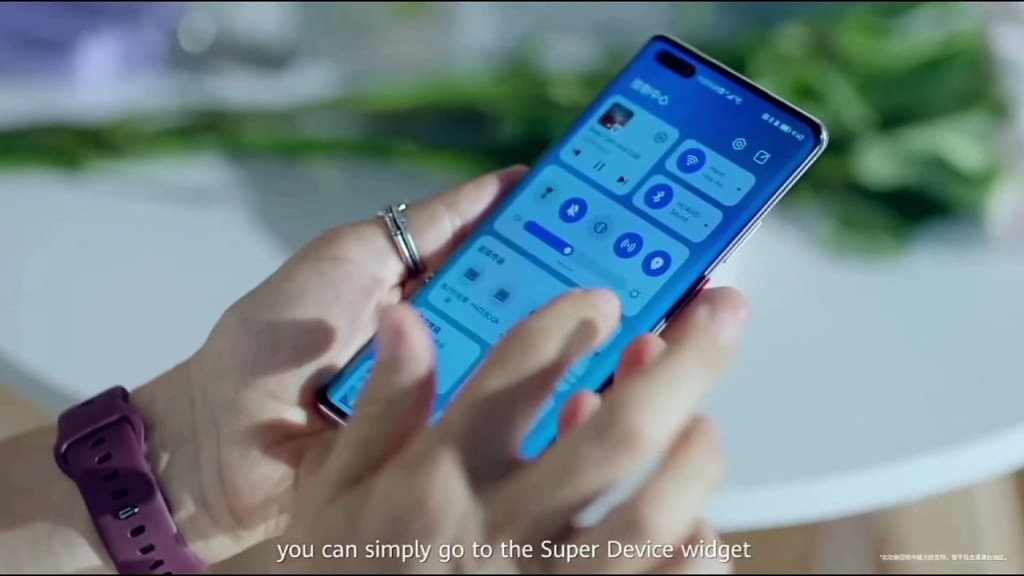
Huawei introduced us a new minimal control panel with fresh updates of application. You can easily access super device function in the control panel.
Huawei claimed that it has better gpu performance and better battery backup as compared to iOS or android.
Super devices features:
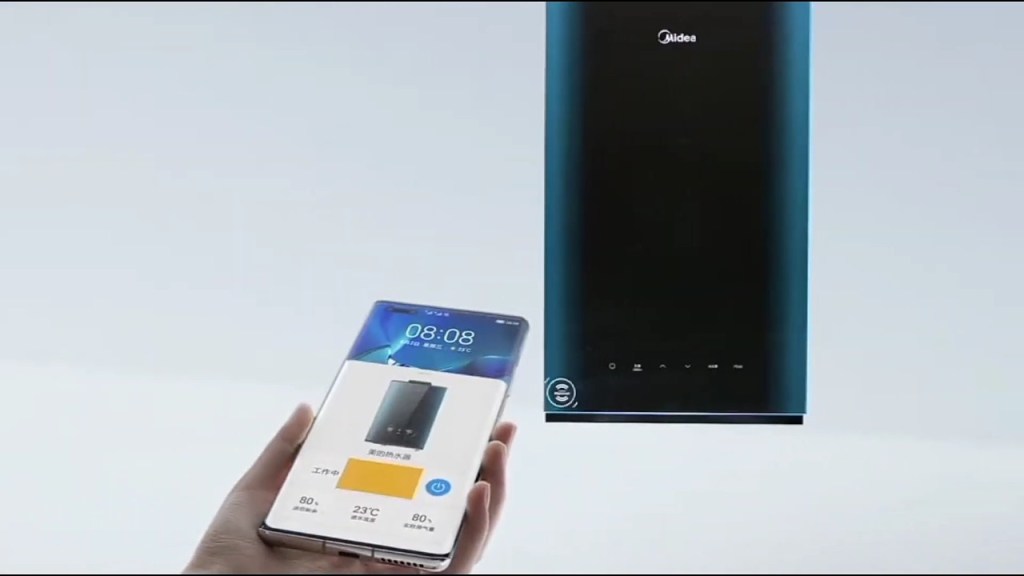
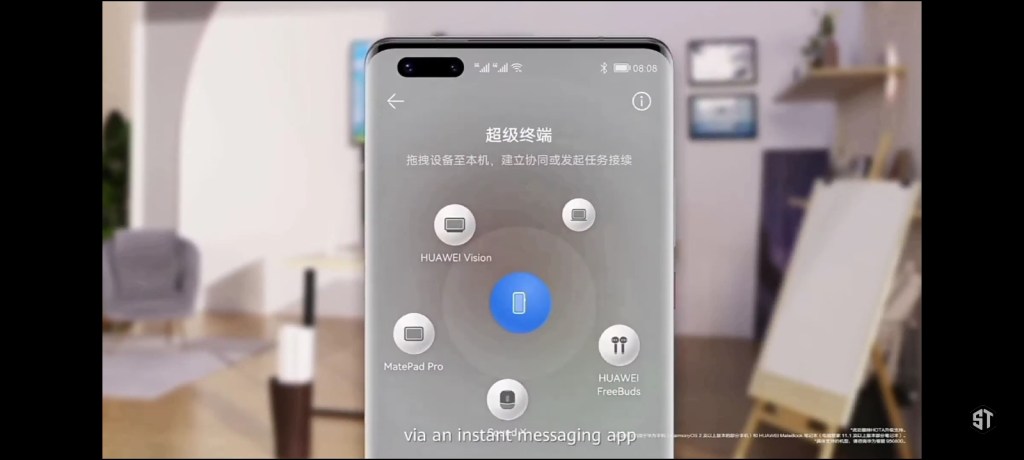
Yes, the most awaited and awesome features in harmony OS is super device function. Let me explain, Imagine you’re doing a task in your smartphone you can connect your PC by dragging in the control panel so that the same task you can edit on the PC not only that you can manage video, camere, designing with both of your devices like TV, smartphones, laptop, smart watches, etc. You can access your downloaded picture in your smartphone through connect by pc and download harmony OS file in pc. Later on watch this video for more knowledge.
Automatically added same type of application into the folder
You know it’s irratating,when dragging an application To a folder. For example you create a video editing folder, now you’ve to put one by one into the folder but with the harmony OS it’s simple. It will detect all the same type of application and then put it to your desires folder.
App key information by swipe up the app icon
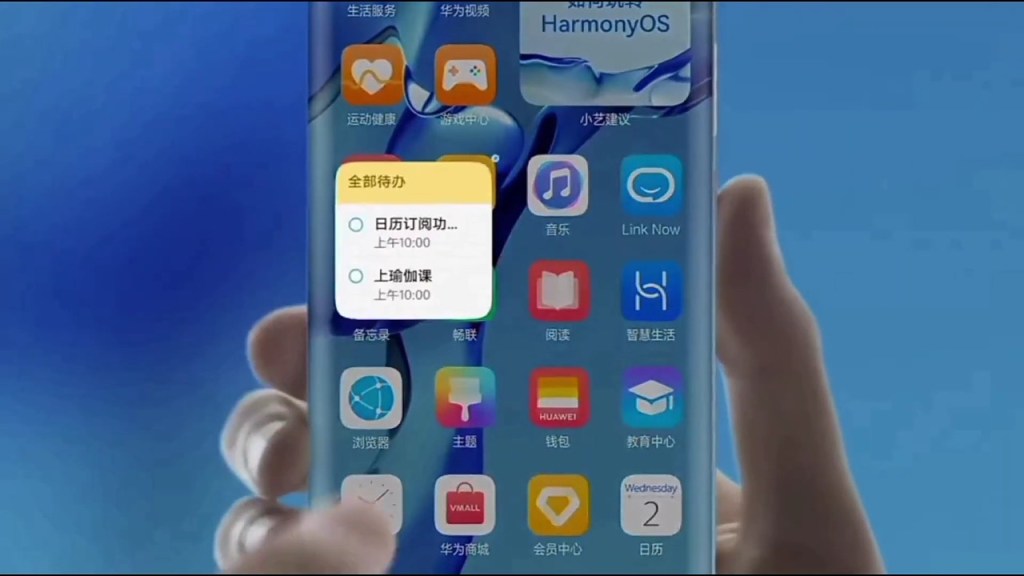
Just like iOS, harmony OS has a app key information by swipe up app icon. It’s easy to use. When you swipe up a app icon it will shown you the key information of the app. You can take note fast,Play music fast, and added widget to your home screen fast.
So that’s all about the harmony OS.You all are excited to use thise operating system and expecting Huawei put it their all devices and later on you can see same glimbs on tech Industry. Thank you so much for reading. Have a wonderful day.
 ShawonsTech Technology
News provider
ShawonsTech Technology
News provider 
Leave a comment